
How to Use A Voucher
Instructions on how to activate the voucher when you register:
Go to Mesa Leadership - Annual Holiday Party
- Click on

- Login
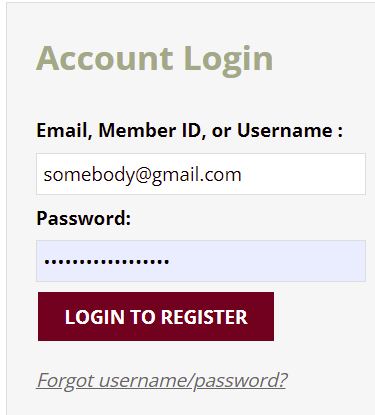
If you have problems logging in, please email - [email protected]
- Review all your information and change if needed. Then click

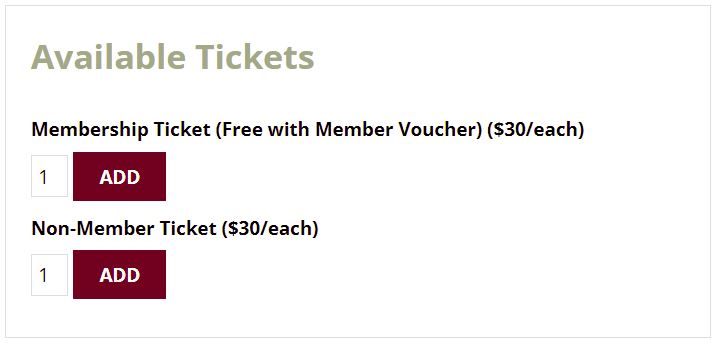
- Select 1 Membership Ticket for you
- Select Non-Member Ticket for guests
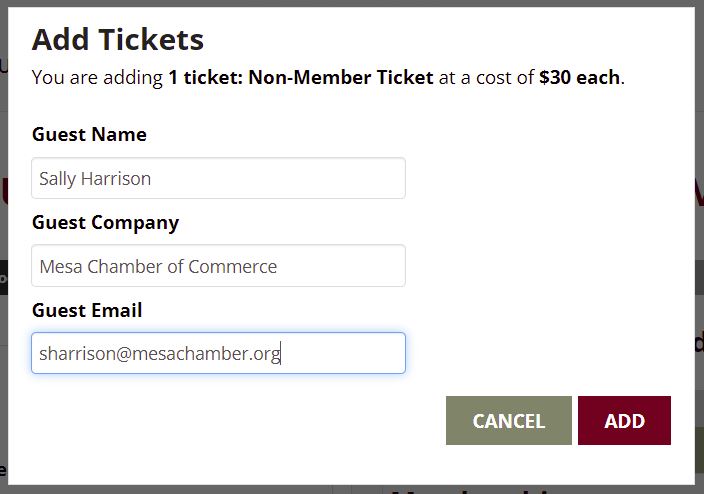
- If bringing a guest fill out the guest information and click ADD.
- If you paid the annual membership, the Apply voucher dropdown would be present.
 |
Selecting 1 will remove the $30.00 fee for annual current paid members. Then continue through the process following the prompts.
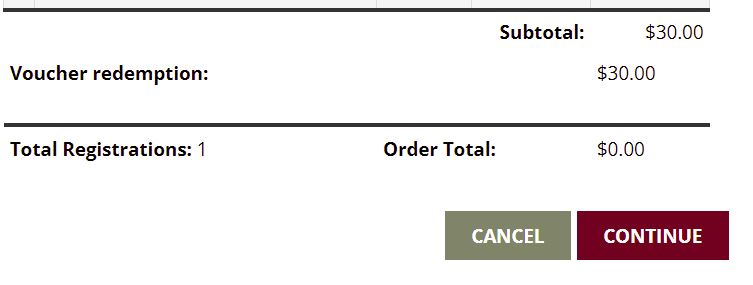 |
After you and your guests are added, click on the CONTINUE button and check out like normal.
